One Thing Leads to Another…

After the presentations by the Grade 5s, everyone took some time to process what the students had put forward in their business cases and their presentations. The drive that the students had was evident and was also commented upon by their parents in our most recent parent-teacher interviews. Many of them mentioned that their daughters had never spent that much time and put in that much effort in any other project. This exemplifies the importance of authentic tasks as well as student choice and voice. They continue to inquire about what is happening and where we are in the process of creating a (“their”) Makerspace.

The most exciting recent news is that we have funding for the Makerspace. We have decided to focus on the materials and the supplies first and then move on to furniture and re-designing the room. I will have to let the Grade 5 students know that we are going to be able to start building our Makerspace. I think I might have the Grade 5s come up with a name for the space.

The creation of the Makerspace is only the first step. Next will be creating the MindShift within the school and the school community. In consultation with others, I will put together a PD plan for teachers around the use of the space and the use of the materials and supplies. Assessment will be another component of the continuation of my action plan.

One things leads to another…and my action plan will continue evolving while the Makerspace and the MindShift is growing in the Branksome Hall Junior School!
My Action Plan


A Mindshift Being Led by Students

Following from my last post, the Grade 5 students have been working on a Business Case to create a Makerspace in the Design and Technology Centre. The business case includes 2 parts – the first being, Telling the Story, and the second being, What do we need?. In the Telling the Story part, there are 3 sections: What do you want to do?; Visual part of the story; and Benefits – Why do we want to do what you proposed?. In the second part, the students need to consider the following: What do we need to buy?; Who do we need to help?; Budget – How much money do we need?; and Risks – What are possible problems we might face?.

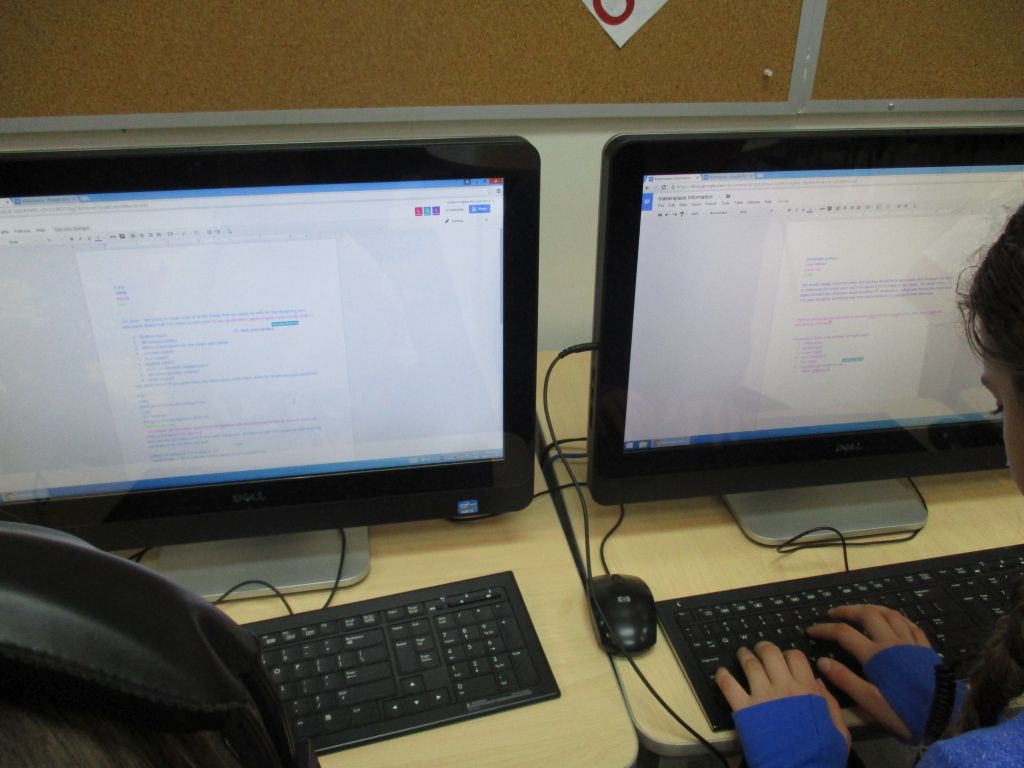
The students have been working on this project for about 3 weeks. They are using Google Docs, Slides and Draw. This is their first exposure to GAFE. They are using it very effectively and naturally. It is definitely a case of using the tool you need when you need it. The students are so excited and engaged that they are working on it at home and also discussing the project with their parents.

Each group is going to present their business case to the class and then each class is going to vote for the one that they think will work best. Then the two groups who were voted for are going to present their business cases to the Head of the Junior School, the Director of Technology, the Head of Finance and the Head of Facilities. The real life component of this project is what is most exciting for the students.

For me, this project has reinforced the need for a makerspace in which students are able to express their creativity, explore innovative ideas and most importantly, have a voice and choice in how they are demonstrating their learning..

Here are some quotes from the students’ business cases:

What do you want to do?

“We want the space to be a place where people can create anything, literally anything. The space should inspire and drive creativity. We think that you should have as much space possible to express your imagination. Students should be able to make their ideas in a comfortable space. That’s why we decided to insert a soft carpet, colorful stools, and whiteboard walls to show and visualize ideas. We would also like everybody to have the supplies they need to build or create their thoughts, that’s why we think we should have a 3D printer for further creations. In our plan we have a presentation area for teaching and showing our ideas. Our idea is also designed for as much space as possible; to make that space we have tuck under table stools, smart shelving units and all the materials on one table.”

Why do you want to do what you have proposed?

“Students and staff can make incredible things that will improve learning and be fun for all. It will be a great way for kinesthetic learners to see how things work and what to do. Also sometimes experiencing things help get the feeling of what it’s about. The MAKERSPACE will get you learning and laughing and teach you things you’ve never thought of learning. The skills you learn here will help you for life and bring out the remarkable in all of us.”

My action plan follows from the excitement and engagement of these Grade 5 students in a real-life task that matters to them.

How do we create a mindshift within the Junior School (students, faculty, parents) around creativity, innovation, and student choice through the use of a Makerspace?

Thinking, Re-thinking, Planning, Repeat…

After our last Face-2-Face session, I thought that I knew exactly what my action plan would be, “How would I re-design my room into a Makerspace/’ but the more I thought about it, the more questions that I had. Some of my questions revolved around assessing and reporting. Right now I assess four learning outcomes for each child in the Junior School and also comment on their strengths and next steps. If I was to really change my program to one that will be enhanced because of the Makerspace, perhaps assessing Integrated Technology as a separate entity is no longer the way to go. I am just beginning to try to get a handle on how creativity and innovation in a Makerspace would?/could?/should? be assessed. Perhaps through Approaches to Learning? We are changing our report card platform next year, so it is a good time to make changes. Still thinking about this!

Something else I started wondering about was how I would get the students and teachers into the Makerspace and what mindshift needs to occur for teachers, parents and students. Students would be the easiest to involve as they are always open to new ways of being creative and innovative. They just need the opportunity. I think that this is actually what my action plan will be about, “How do I create a mindshift within the Junior School around creativity and innovation through the use of a Makerspace?”

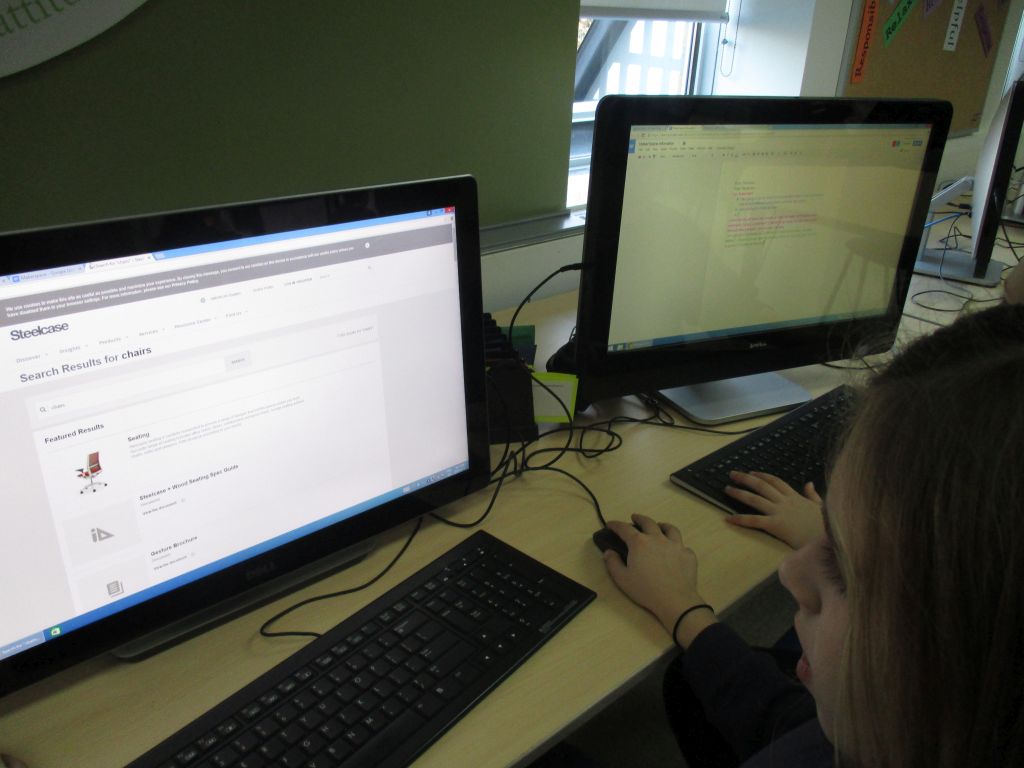
The re-design of the classroom, the furniture needs, the tools and supplies required are now all things that I have turned over to a Grade 5 Design Thinking task. The Grade 5 students are working in groups to re-design the room. They are researching furniture, tools, supplies etc. that will be required. When I introduced this task to the students, they were very excited. One of the students kept asking, “For real? We are doing this for real?” The students have just been introduced to Google Apps for Education so they are using shared documents to collaborate. The level of excitement was further increased when I explained that Mr. Michael Ianni- Palarchio, the new Director of Technology, at Branksome Hall, was going to come and teach them how to create a business proposal. I then told the students that each group would decide how to show their Makerspace design (paper, 3D-pen, model etc.) and then present their business plans and designs to the class. Each class would then choose two of the groups to present to the Head of the Junior School, the Director of Technology and the Head of Finance.

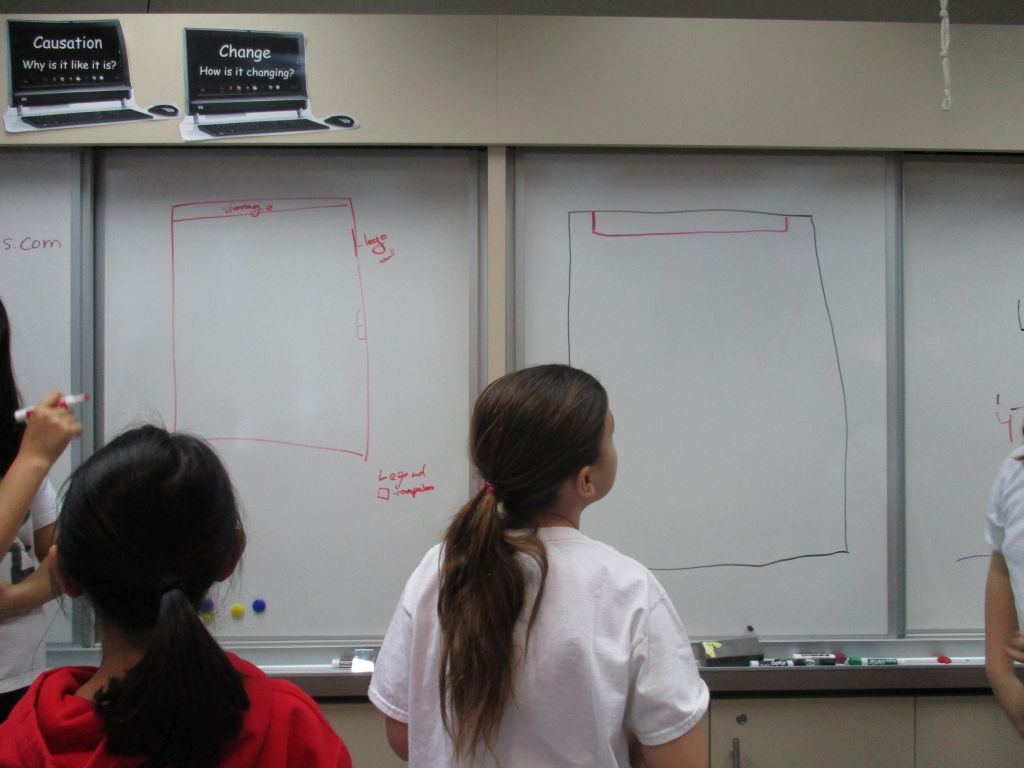
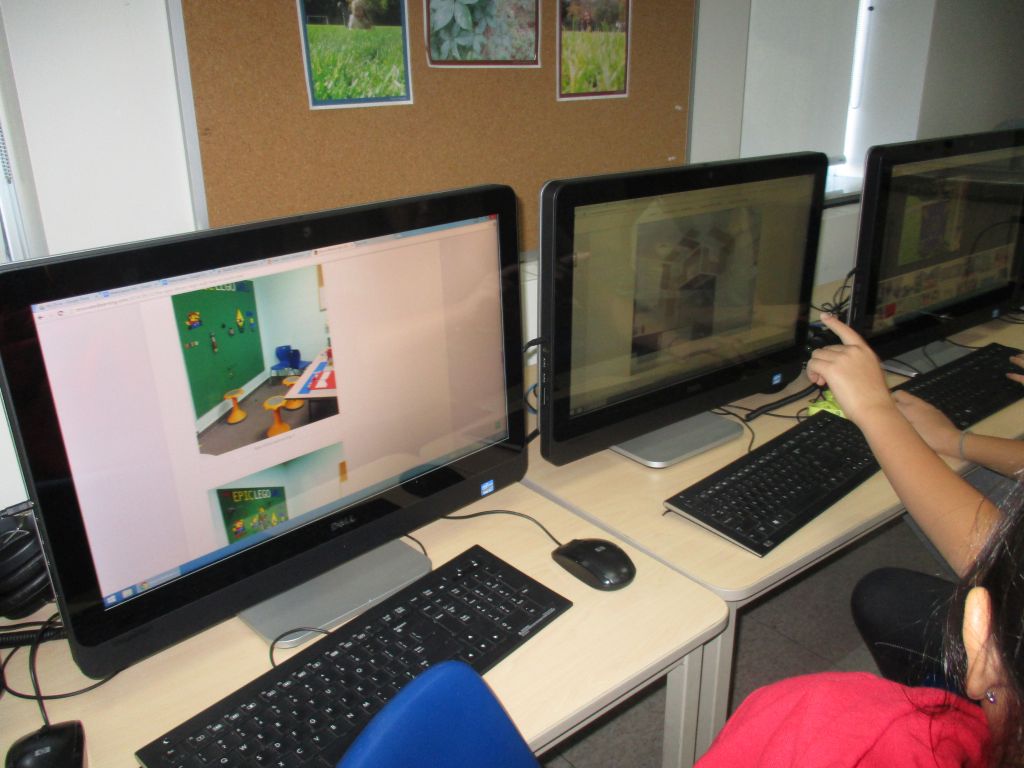
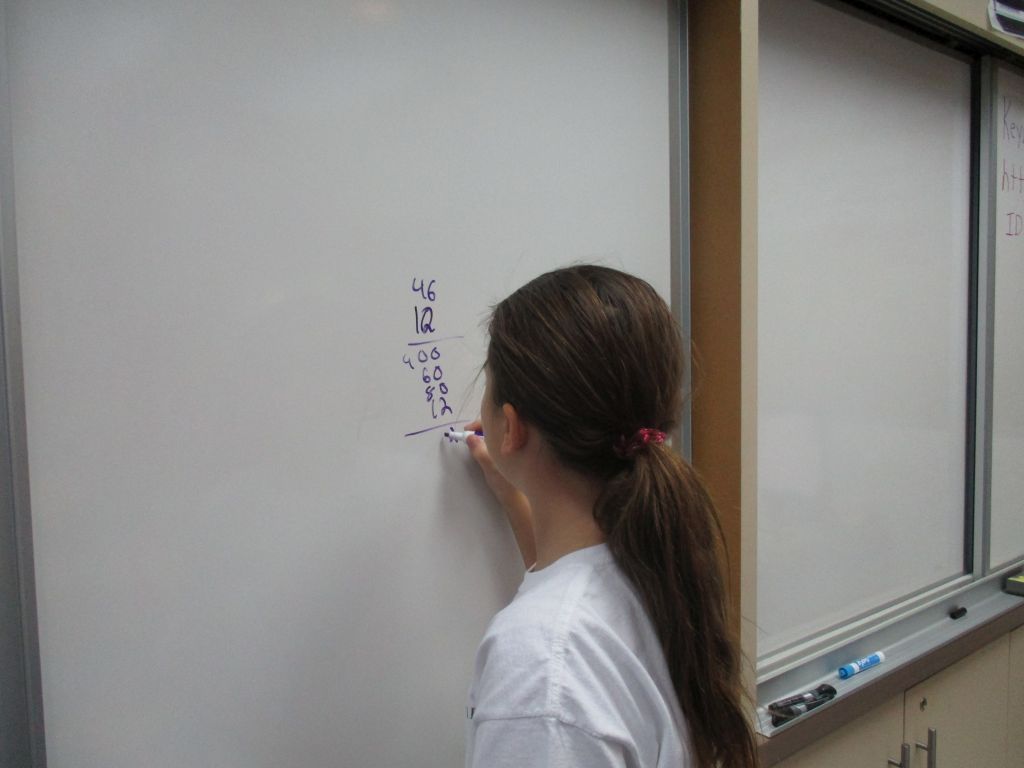
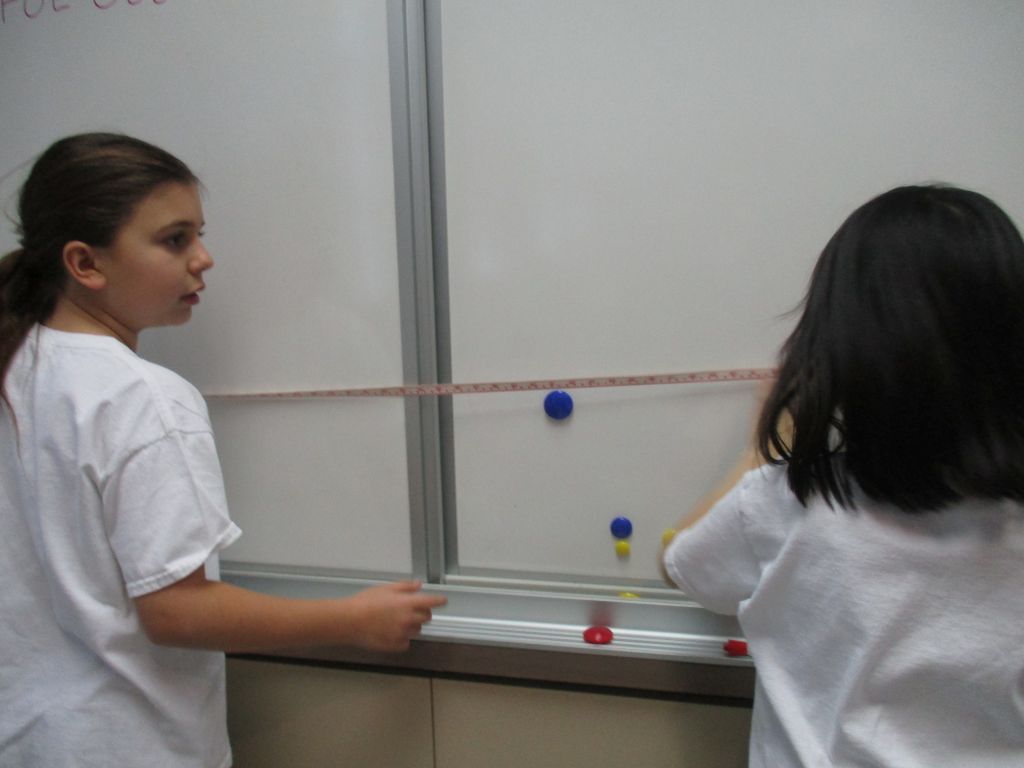
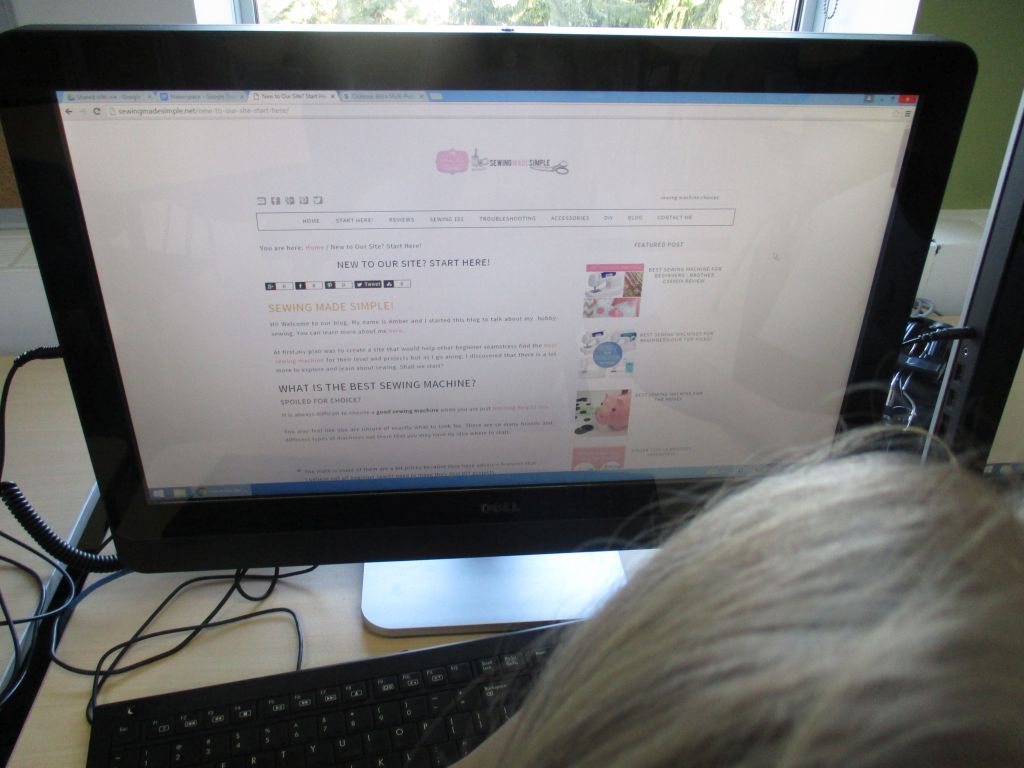
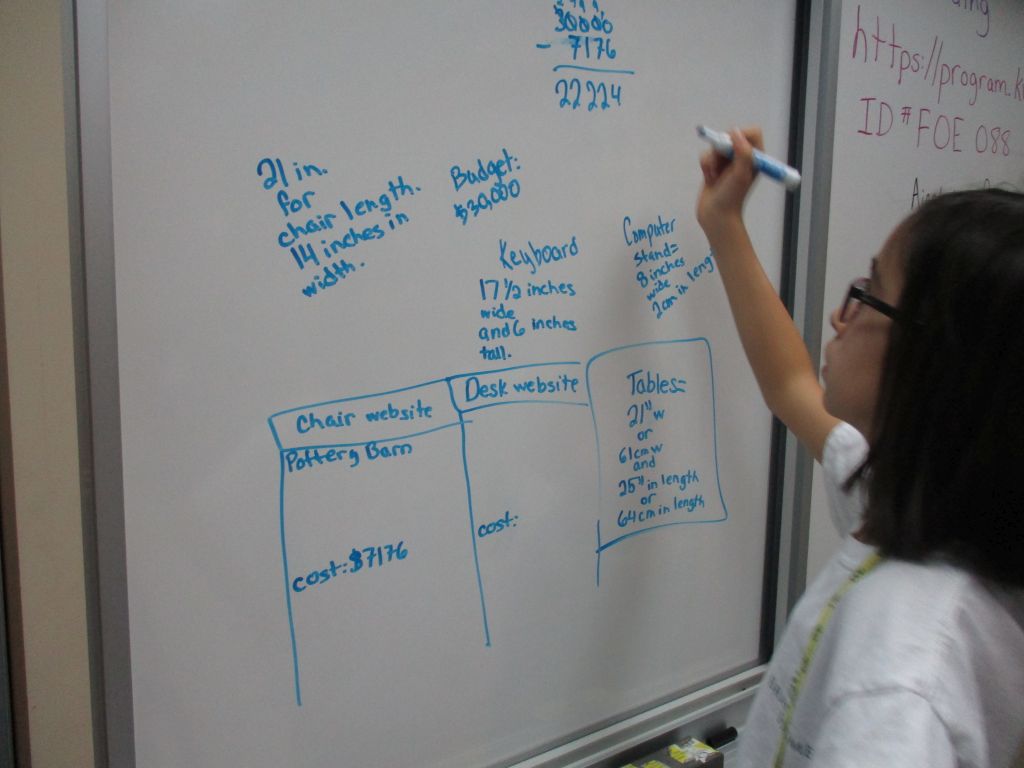
I have never seen the students so engaged and excited about a task. During their second work period, there were students measuring, researching sewing machines, researching furniture, looking at how to make a Lego wall, designing on the white board and budgeting their proposed purchases.

budgetingdocsdesign furntiure lego math measure sewing

I am really looking forward to seeing what the students come up with for the design of the Makerspace as well as seeing what they think is important to have in the space such as 3D printers, sewing machines, Littlebits, Squishy Circuits, Circuit Scribe, Makey Makey etc.

I am planning to read George Couros’ book, The Innovator’s Mindset, over the Christmas holidays as well as a book called, Invent to Learn by Sylvia Libow Martinez and Gary Stager. My next steps are to visit some Makerspaces and to start figuring out the best ways to go about inspiring and encouraging this mindshift within my school..

Design Thinking with Grade 2

I had been contemplating how to incorporate design thinking into the Junior School. I had done some reading over the summer. I also had some conversations with Joe Smith about the design cycle that he uses in the Middle School. I decided to use an older version of the MYP Design Cycle because it was simpler for the younger students.

The Grade 2s were doing a new unit with the following Central Idea: People with physical challenges use adaptation and innovation to access their communities. This seemed like the perfect place to start. During a planning meeting, I raised the idea of the students designing and creating a device for a person who could not used their fingers and thumb to be able to eat yogurt with a spoon.

I developed a format for the students to follow that included:

  • Identifying the Problem
  • Design Needs (Specifications)
  • Design Ideas – space for sketching
  • Materials
  • Plan for Building/Creating
  • Test
  • Evaluation (based on specifications)
  • Reflection

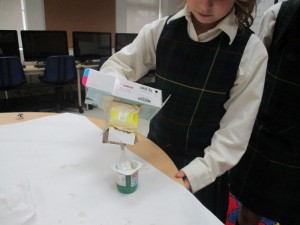
The students worked on their plan and their creations for a few weeks. At first, they seemed unsure of the expectation and of themselves and their ability to meet the expectations. I felt it was important to let the students experience these feelings and to find their way through the process. I gave them access to all of the materials while they were figuring out the problem and how to solve it. Just looking at the materials helped them to start generating ideas. Once they had time to chat with their partner or group, they started to sketch some designs. When they had a design they liked, then they showed me the design and explained how it would work. They were then free to start building. I added some math to the project by having them tell me how much of each material they wanted, for example, 20 cm of ribbon.

Listening to the students talking, testing, reconsidering, altering and improving their designs as they worked was the most interesting and most important part of the project. Once all of the designs were completed, we had our resident expert, Joe Smith, come over for the final testing and evaluation phase. Before the students attempted to scoop up yogurt and get it to their mouths, they had to explain their thinking to Joe. They were nervous but then very excited when their device worked. All of the students were successful, although many had ideas to improve their device.

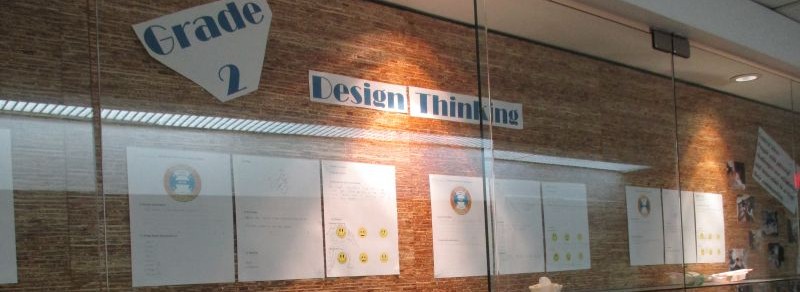
The final stage was evaluating their devices based on their specifications. Each group had a chance to evaluate their device with Joe. The students were very proud of their accomplishments and wanted to share their learning with him.Design DisplayDevice Testing

The devices and the students’ plans are now on display for everyone to see. This experience definitely helped the students to gain a better understanding of the unit’s Central Idea.

As a first attempt at integrating design thinking into the curriculum, I would say that this was very successful. Now I am working on finding a way to authentically integrate design thinking into every grade level.